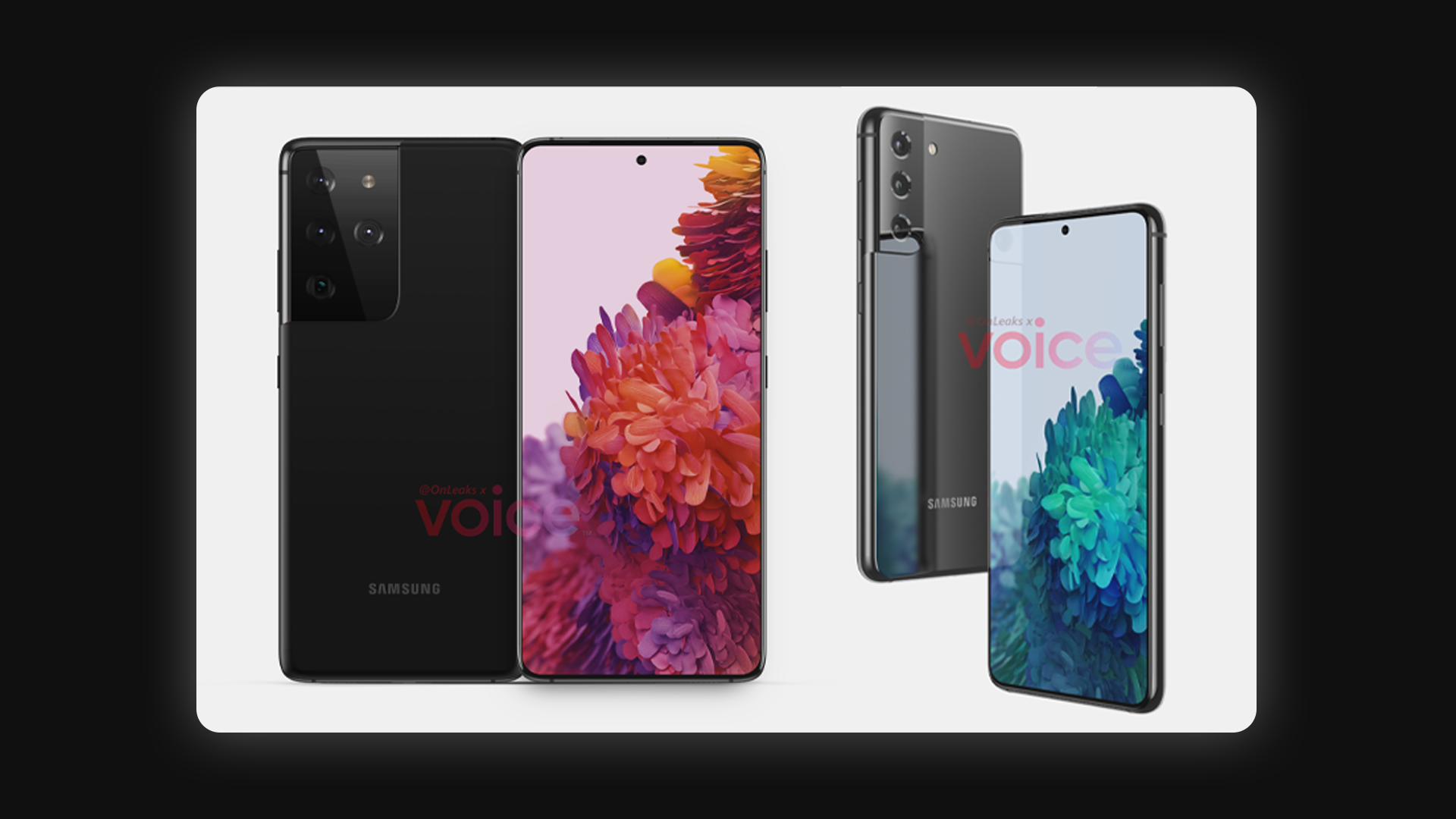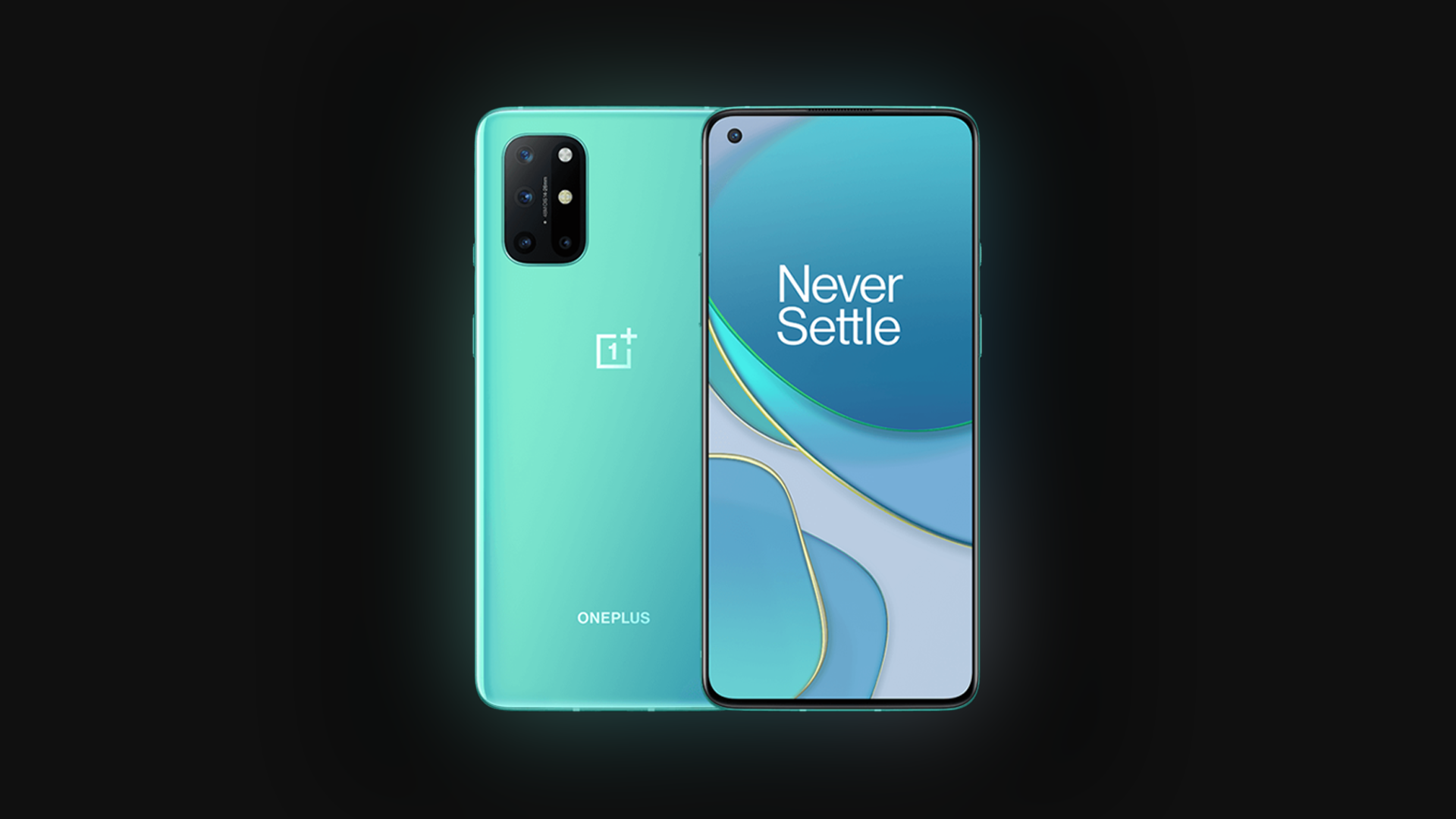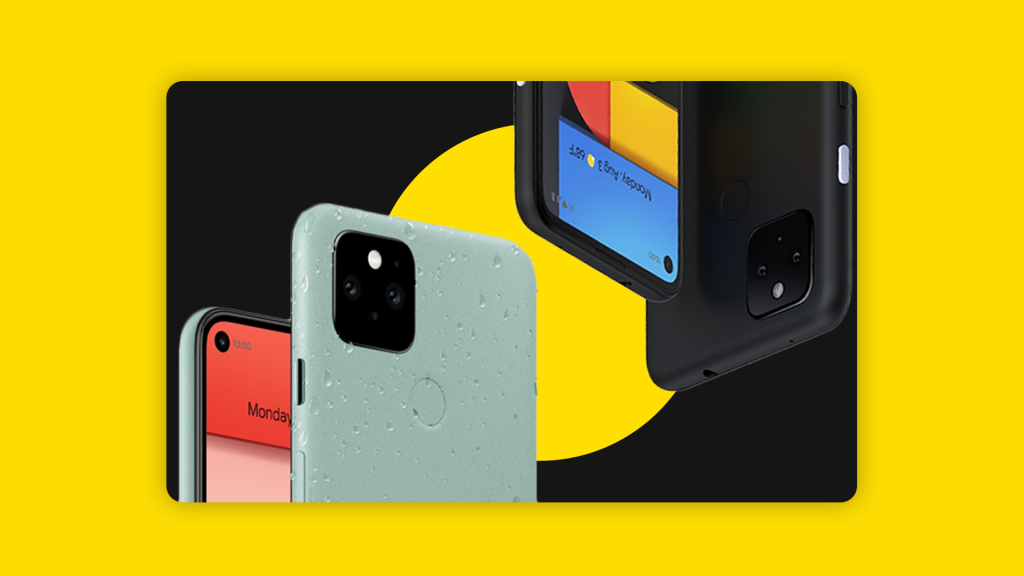
Google has just released the official version of Android 11 today. Coming out first to all Pixel phones from the Pixel 2 and above, it’s also available as an open beta for the OnePlus 8 and 8 Pro, Oppo Find X2 / Reno 3 and Realme X50 Pro. Other manufacturers will follow suit in the coming months, as with every Android launch.
Hello, Android 11! 🎉 Learn all about the new features that make staying in touch easier, controlling your connected devices simpler, plus new privacy improvements: https://t.co/qUCmyz37WZ pic.twitter.com/ExkZIXafau
— Android (@Android) September 8, 2020
With the release of Android Pie, Google has seemed to found a design language and feature set that works, and set about ironing out the flaws in the OS. With Android 10, and now 11, that trend continues. Google seems to be following Apple’s direction with privacy features — and that’s a good thing. You can now grant apps access to your location/microphone/camera only when using the app, or one-time permission. You can give access to permission while apps are in the background, but you’ve to delve into settings for that.

Let’s get on with the main features, and the one I like the most is Bubbles. Messages from any messaging app can now be used in a Facebook Messenger-Esque chat head interface, and you can have conversations from multiple apps at once, switching between them in the bubble. You can toss away the bubble when you’re done.
Messaging notifications also get an overhaul, with all messaging-related app notifications getting grouped together in the notifications panel in a section called “Conversations”. You can set specific chat threads as a “Priority Conversation”, and it will give priority to its notifications. Muting specific chat threads is also now possible.
The power menu gets an overhaul and has three sections. The top section has the usual Power Off and Reset, while below that you get options for Google Pay and Smart Home controls. This is a welcome change, as it brings together a lot of controls and functions in one place. What worries me, however, is how other android skins will implement this — Samsung would obviously want its payment and smart home control services to be shown instead of Google’s.
/cdn.vox-cdn.com/uploads/chorus_asset/file/21862235/Media_Controls.gif)
The music control notification gets a location change, and is now bundled with the quick settings. It supports 3rd party music players as usual, and you can swipe through the cards to access different music apps. It also has controls for easily changing the output device. And finally, we get a native screen recorder.
In conclusion, Android 11 further refines a formula that works. With privacy improvements and new features, it’s a great iteration. But the Achilles heel of all Android updates is this — adoption rates. Google has no control over the OEMs that use it’s OS, and they can take anywhere from months to a whole year to release an update to their wide portfolio of devices. This is shown in the market share, with only 29% of the global user base on Android 10 — a stark contrast to the 80% of iOS 13. Fortunately, there are a lot more non-pixel phones getting the update close to day one this time around, and manufacturers like Samsung are extending their software update policy to three major updates.
Then there’s Android skins, which have both pros and cons. Skins like OneUI provide a much more user friendly experience for big screens, while also modifying features so much to a point where it’s completely different from Google’s vision of implementing it. All we can do it wait and see at this point, and pray that your device is eligible for the update. Check out this helpful link for that.
Android android 11 Google OnePlus oppo Pixel realme
Last modified: September 9, 2020